Hi
New user here. Thank you all at CYBERTRACKER for this great service.
I have set up Cybertracker online and the android app for collectors. I Will use CT as a simple way to collect Ranger and Scout patrol data, sightings, incursions etc. Everything going well but I can not get patrol tracks to display in CT Online.
MY Organisation stats show all timer tracks and all observations.
All observations/photos/voice notes appear on the map fine.
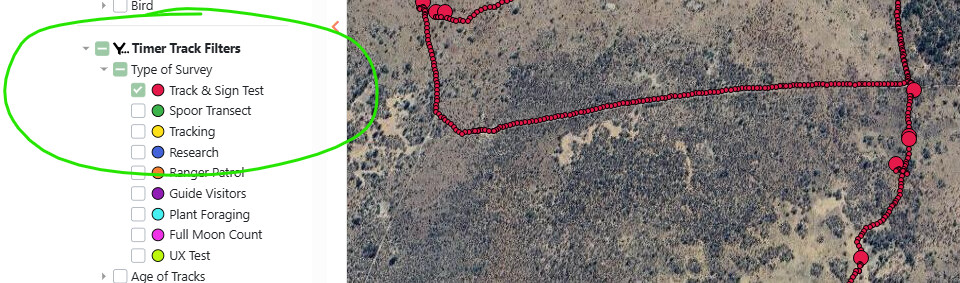
Timer tracks do not appear at all (no small dots), even after clearing date filters, all other filters, zooming in, and trying different browsers. Checked all settings I can think of a few times
When I export the data the timer track files open as valid GeoJSON with coordinates and timestamps.
Viewing patrol routes is important to the project so I need to find the fix.
I am not very tech savvy so would really appreciate some advise.
Thanks in advance.
Dave