Hi,
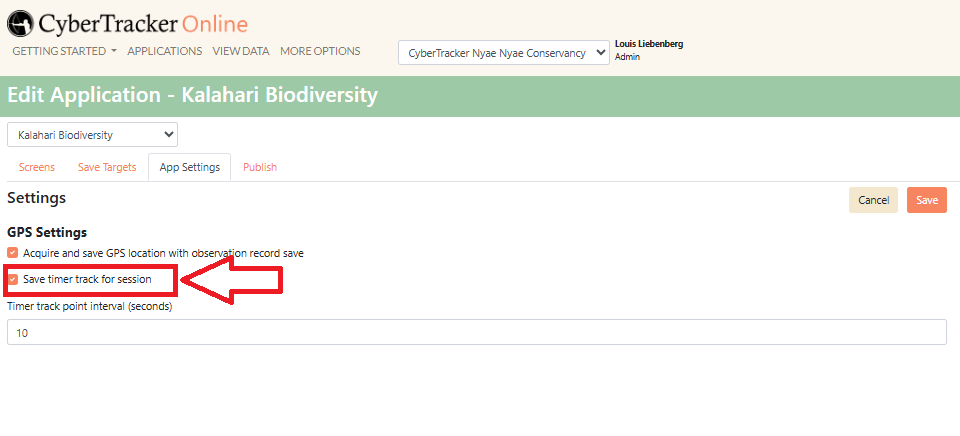
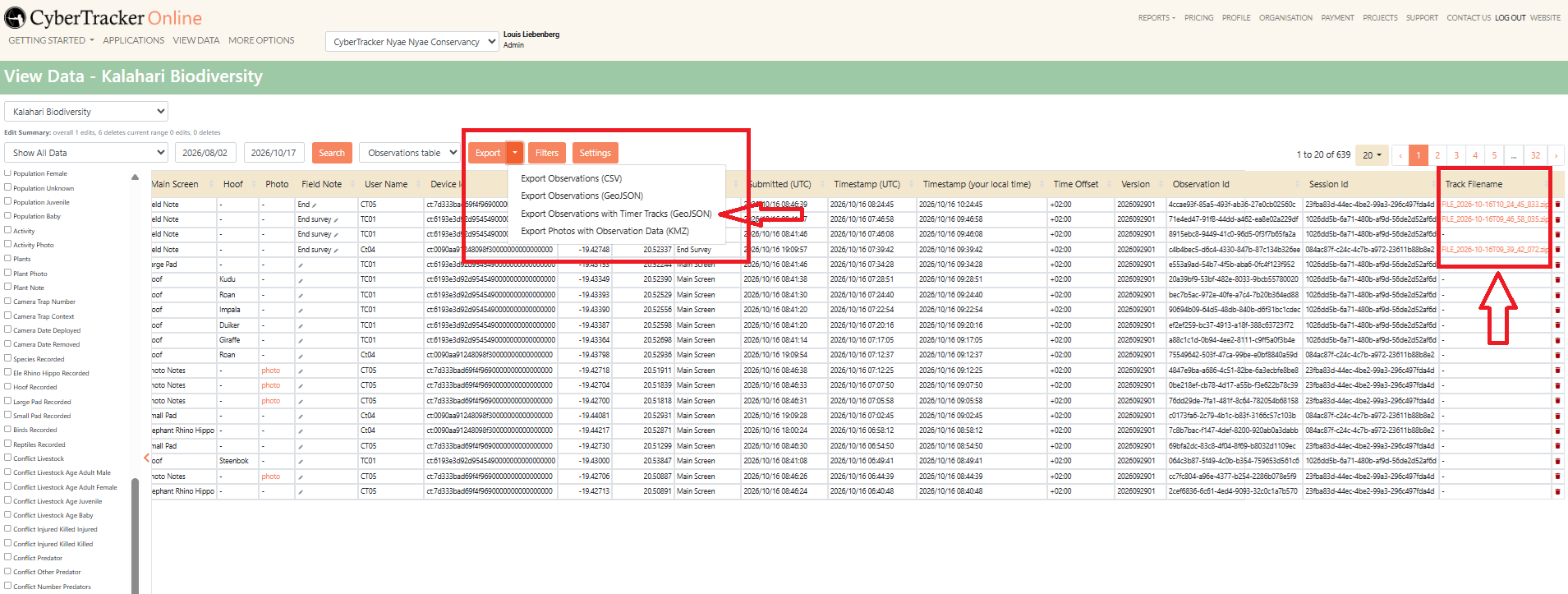
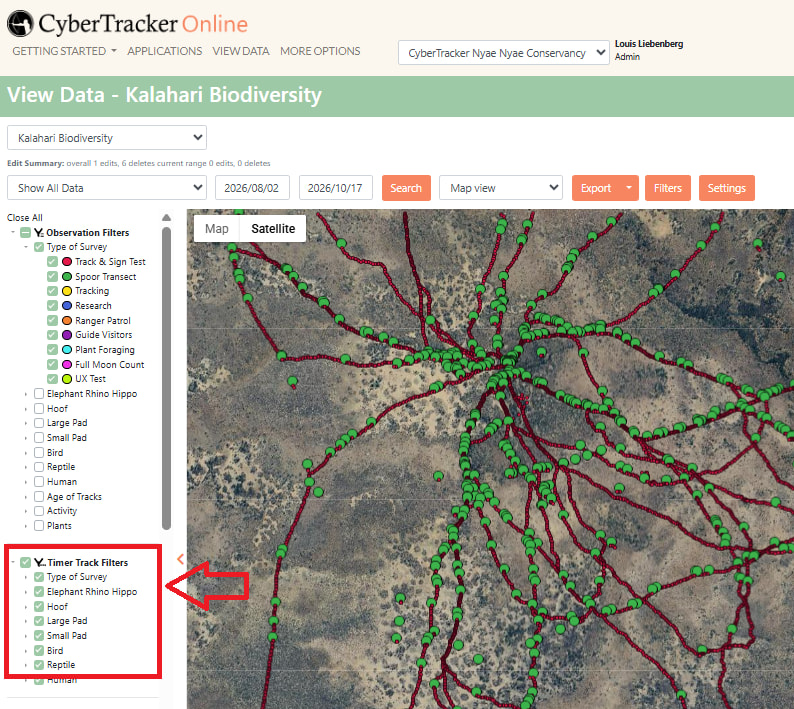
I recently started using CyberTracker. I made three projects. Two of them, I use simultaneously in the field. One of them does not save timer tracks and the other does. I want to examine ranging patterns of animals as well as activity budgets. For this, it is extremely important to recieve the timer tracker data, and this is where the problem is. In the settings, I have added a 2 minute timer track interval. When I use the app on my phone, it also indicates that the tracker is on (as indicated by the black dot in the right corner). I can also see the blue lines indicating the travel distance on the map. At the end of the session, I indicate this trough a save target and return to the start screen. But when I submit my data, It seems that only the datapoints are submitted and not the timer track points. The are still (a while) visible on the map on my phone, while the datapoints are gone). When I go to ‘View data’ on my computer, no data of the timer tracks are visible on the map. Also not in the table.
Strangely, when I collect data for another project on the same phone, it does work…
Please help me figure out how to collect time tracker data and how to recieve this data on my computer.
Thank you in advance!